JellySTEM BottleBoat and Floor Racers
JellySTEM BottleBoat
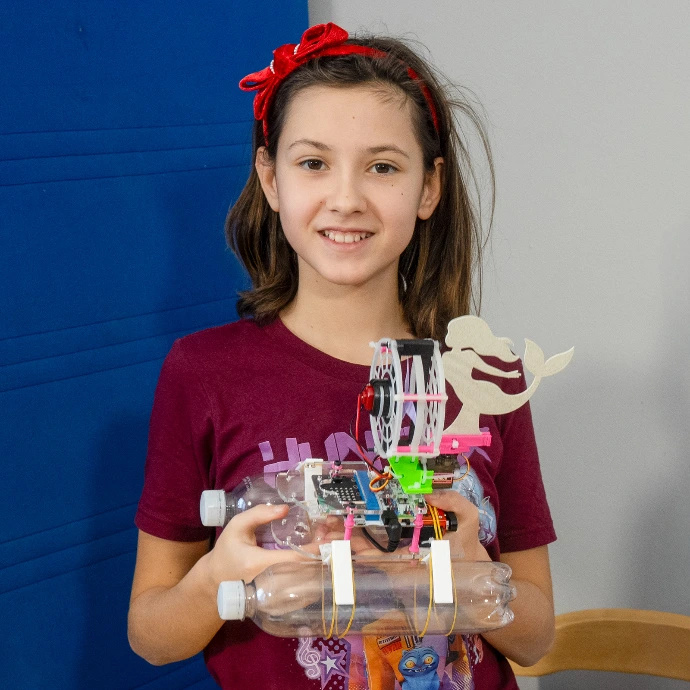
Students first build and test the boat with the regular rudder. They see how basic steering works and how the boat behaves when turning left, right, or going straight.
Design Your Own Rudder
Students test the BottleBoat with the standard rudder, then use Tinkercad to design and 3D-print their own rudder shapes and compare how each design changes the way the boat turns and moves.
Propeller Duct Experiment
Students 3D-print the jet duct for the propeller from the provided Tinkercad model, install it on the same BottleBoat, and compare how the boat’s speed, steering, and towing ability change compared to the original open-propeller version.
Fins and Bottles Experiment
Students 3D-print fins in different sizes and shapes, combine them with various bottle sizes and bottle shapes, and test the BottleBoat on the water to see how each combination changes speed, stability, and how straight the boat moves.
Archimedes Weight Experiment
Students use Archimedes’ principle to determine the weight of the BottleBoat without a scale, by measuring how much water it displaces and how much extra load it can safely carry.
BottleBoat Race Challenge
Students tune their BottleBoats (rudders, fins, duct, load), then race them over a fixed distance or around simple markers, recording times and comparing which design choices give the best speed, control, and consistency.
We will add new BottleBoat activities over time and welcome ideas from students and teachers,
so the project can grow from real classroom experience.
BottleBoat variants and remote
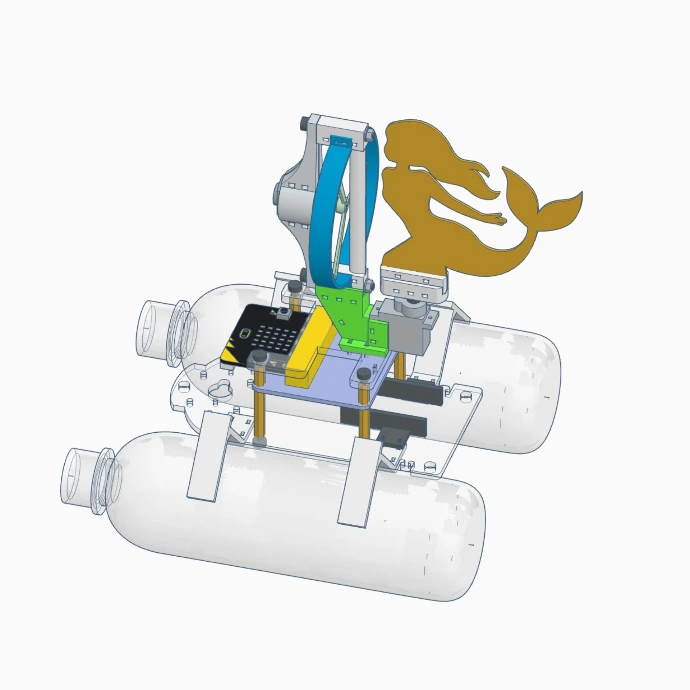
“BottleBoat with a custom 3D-printed rudder”
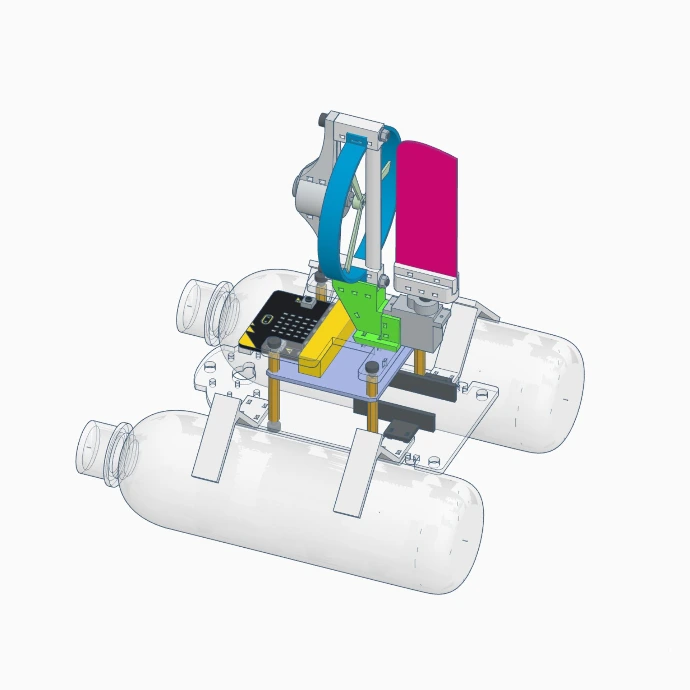
“BottleBoat with standard rudder and open propeler”
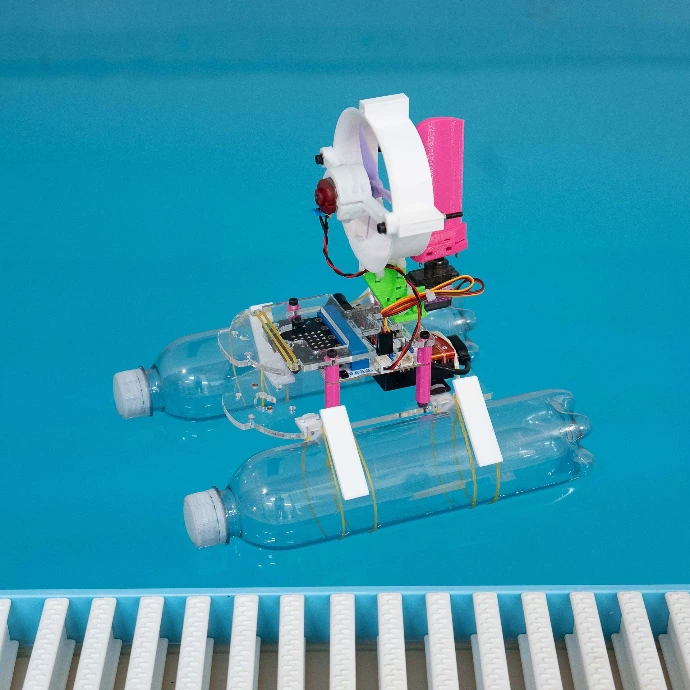
“BottleBoat with 3D-printed jet duct on the water”
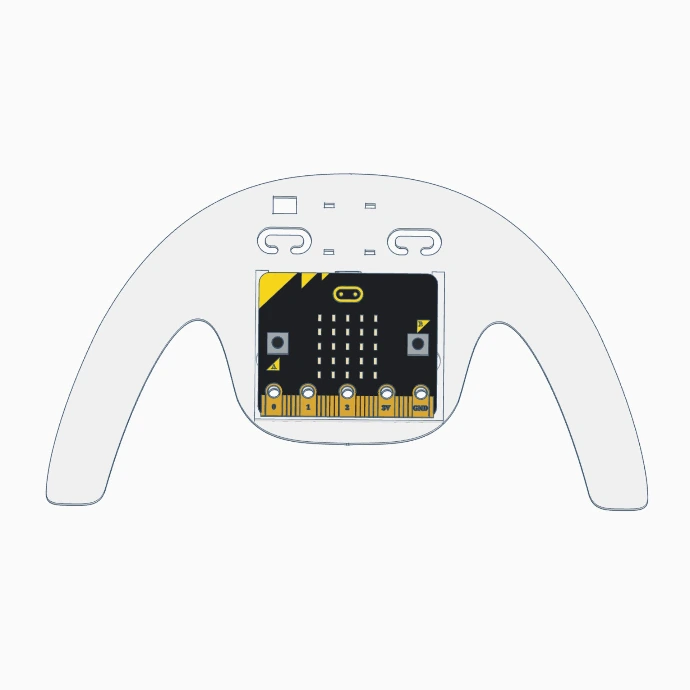
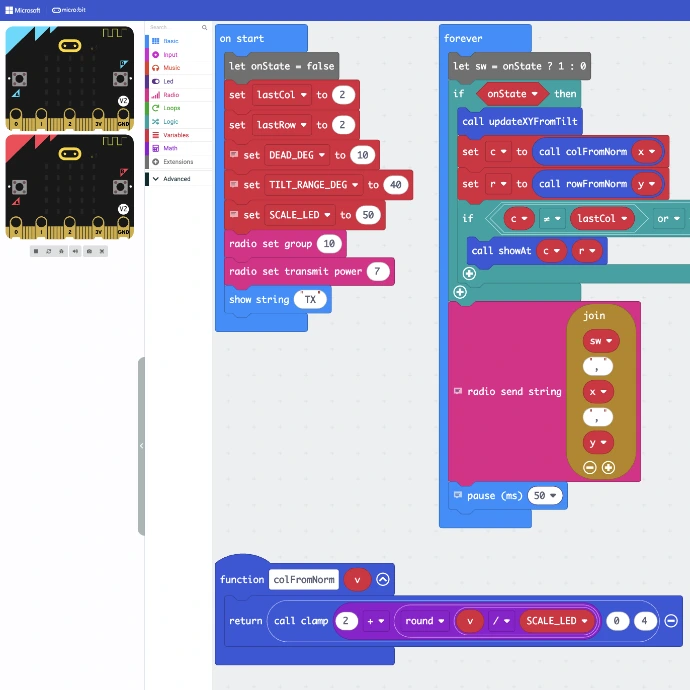
“JellySTEM micro:bit remote control”
JellySTEM Floor Racers
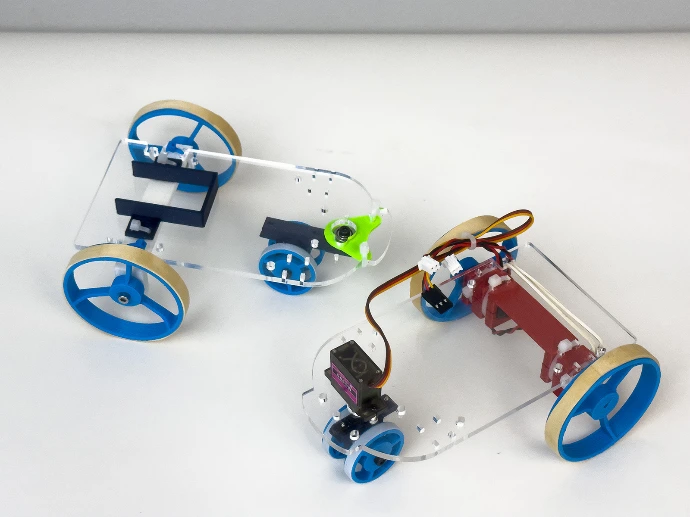
Swivel Wheel Conversion
Students replace the front servo with a swivel (caster) wheel and discover that they now need a different control strategy: instead of steering with a servo, they must control each wheel independently, like a tank..
Compare Steering Modes
Using the ready-made MakeCode program for the swivel-wheel version, students drive and compare this Floor Racer with the default servo-steered version, observing differences in turning, precision, and handling.
Write Your Own Swivel-Wheel Controller
Following the curriculum, students create their own MakeCode program for the free-wheel variant, experimenting with different ways to control speed and turning and deciding which approach works best for their Floor Racer.
Floor Racer Challenge
Students tune their Floor Racers (wheel setup, steering mode, code) and run timed challenges on a simple track with turns or obstacles, comparing which designs and control strategies give the best speed and control.
- Motorized Wheels Deck with two micro-motors and an additional steering servo
- Free-Wheels Deck with a swivel front caster
In the basic Motorized Wheels Deck, the propeller unit is replaced by wheels driven by micro-motors, and a servo motor is used for steering so that the control works just like on the BottleBoat.
JellySTEM BottleBoat & Floor Racers Combo Kit
The Combo Kit includes all parts for both variants, plus ready-to-use MakeCode programs.
Classes can start quickly with the base designs and then move on to BottleBoat and Floor Racer activities such as custom rudders, fins, jet duct experiments, wheel configurations, and race challenges.
Micro:Bit Programming